



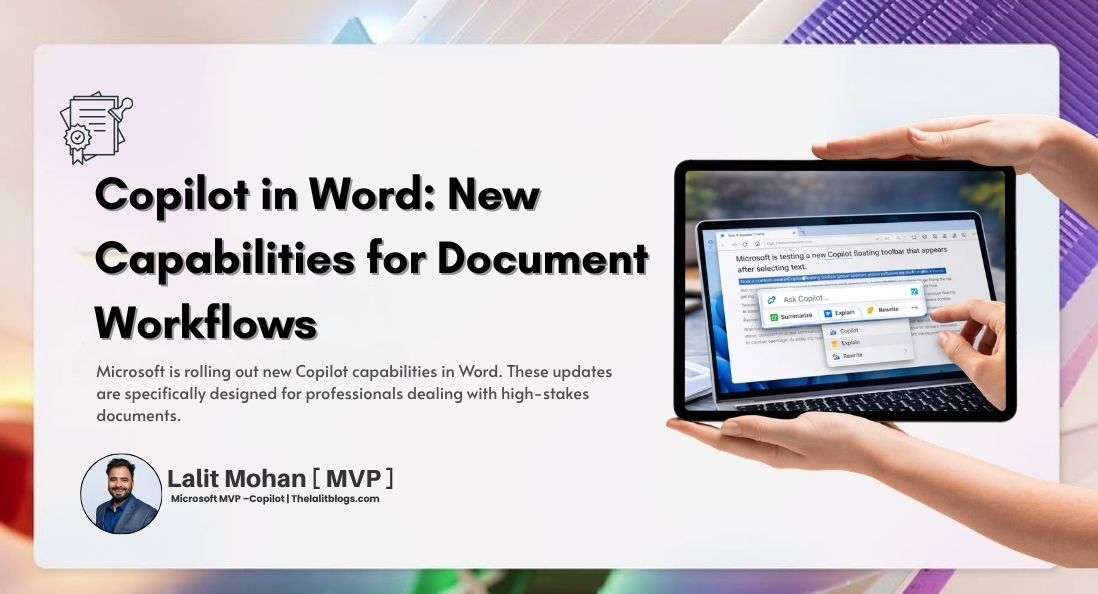
Microsoft is rolling out new Copilot capabilities in Word. These updates are specifically designed for professionals dealing with high-stakes documents.
If you work in legal, finance, or compliance, you know that document integrity is non-negotiable. Whether you are reviewing complex contracts or finalising strict policy documents, every detail matters.
The new Copilot in Word helps you manage these detail-intensive tasks safely and accurately. Read on to discover how these new features can improve your daily document workflows.
The Intelligence Behind It — Work IQ
These new features are powered by Work IQ. This is the intelligence layer that personalises Microsoft 365 Copilot for you and your organisation. It ensures that the AI’s responses reflect your specific content, context, and priorities.
Security is also built into the system. Copilot in Word operates strictly within the Microsoft 365 trust boundary. This means it preserves your sensitivity labels, enforces your data loss prevention policies, and keeps your company data completely secure.
How Copilot Works in Word
Copilot works directly within your document. It meets you right where you and your team already collaborate.
Every new feature is native to Word. When Copilot makes a change, it respects your existing formatting and preserves your document’s entire collaboration history.
What’s New — 5 Key Features
Copilot now offers five powerful features to help you manage complex documents.
1. Track Changes with Word-Level Precision
Changes made by Copilot are now visible by default. You can easily turn on “Track Changes” directly from Copilot. This ensures all your edits are fully transparent, auditable, and easy to review at a granular level.
2. Contextual Comments
You can now use Copilot to add, read, reply to, and manage comment threads. Copilot anchors these comments to the exact right text. This keeps your collaboration context fully intact.
3. Table of Contents
Creating a table of contents is now effortless. You can ask Copilot to insert and update tables using Word’s built-in heading types. The structure stays accurate as your document grows and changes.
4. Dynamic Page Features
You can easily manage the layout of your document. Copilot lets you insert and manage headers, footers, columns, and margins. You can also add dynamic fields like page numbers and dates that refresh automatically as you edit.
5. Progress Messages
When you ask Copilot to make a multi-step edit, it will show you exactly what it is working on in real time. This builds trust and gives you full transparency into the AI’s process.
Example Prompts — How to Use These Features
Want to test these features? Try pasting these real-world prompts into Copilot:
- Revise with precision: “Turn on Track Changes, tighten the Executive Summary, clarify vague words, and spell out acronyms.”
- Flag items for review: “Add comments in the Risk Factors section where Finance or legal validation is needed.”
- Format for readability: “Create a table of contents, add a header with the document title and today’s date, and add page numbers to the footer.”
- Review pending changes: “Summarise all unresolved tracked changes and open comments into a Review Summary section.”
Availability — Who Can Access It Now?
These new capabilities are available today for Copilot in Word on Windows desktop. You can access them through the Frontier program on the Office Insiders Beta Channel.
If you use a Mac or Word for the web, support is coming soon. To get early access, users can join the Frontier program.
FAQs
Who are these features designed for?
They are built for legal, finance, and compliance professionals who work with high-stakes, detailed documents.
Is this available on Mac or Word for the web?
Not yet. Support for Mac and web is coming soon. It is currently only available on the Windows desktop app.
How do I get access?
You can get access by joining the Frontier program or the Office Insiders Beta Channel.
Does Copilot in Word keep my data secure?
Yes. It operates entirely within the Microsoft 365 trust boundary. It respects all your sensitivity labels and data loss prevention policies.
Can Copilot track every edit it makes?
Yes. You can turn on Track Changes directly from Copilot to ensure full auditability for every edit.
Go Beyond Drafting with Copilot
Copilot in Word now does much more than just draft text. It supports your full document workflow from start to finish.
These updates are especially valuable for professionals where accuracy, auditability, and security matter most. If you are on the Windows desktop app, you can join the Frontier program to try them today, with a broader rollout arriving soon.
