



TL;DR
AI has been single player until now. Copilot Workspaces makes it multiplayer.
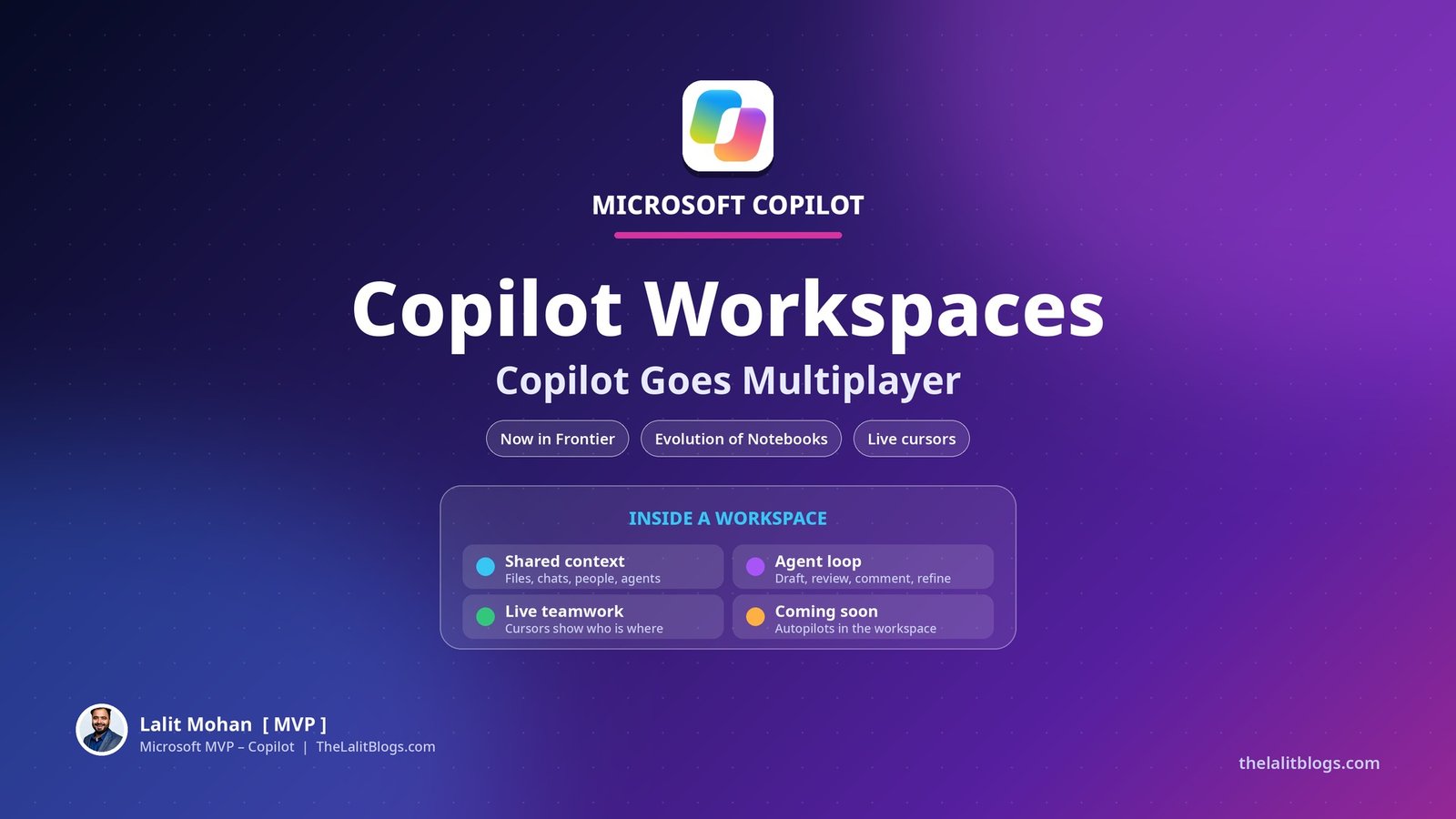
A workspace is a shared place in the Copilot app where people and agents work towards a common goal, with shared context. It is the evolution of Copilot Notebooks.
Your existing notebooks become workspaces automatically. Your content stays where it is.
Workspaces is now available in Frontier. The collaboration continues in Microsoft Teams.
1. What Is Copilot Workspaces?
Until now, working with AI mostly meant one person and one chat. You asked. It answered. The context lived and died in that conversation.
Workspaces changes the shape of that. People and agents drive towards a common goal, with shared context.
It is where people and agents build on each other’s work. Files, conversations, people and agents sit together in the Copilot app.
Microsoft’s framing at Ignite was simple. The future of work is people and agent collaboration. Workspaces is where that collaboration happens.
I am in San Francisco for Ignite this week. This is the announcement that changes how teams, not just individuals, will use Copilot.
2. How Does Multiplayer Copilot Actually Work?
The loop is easy to picture.
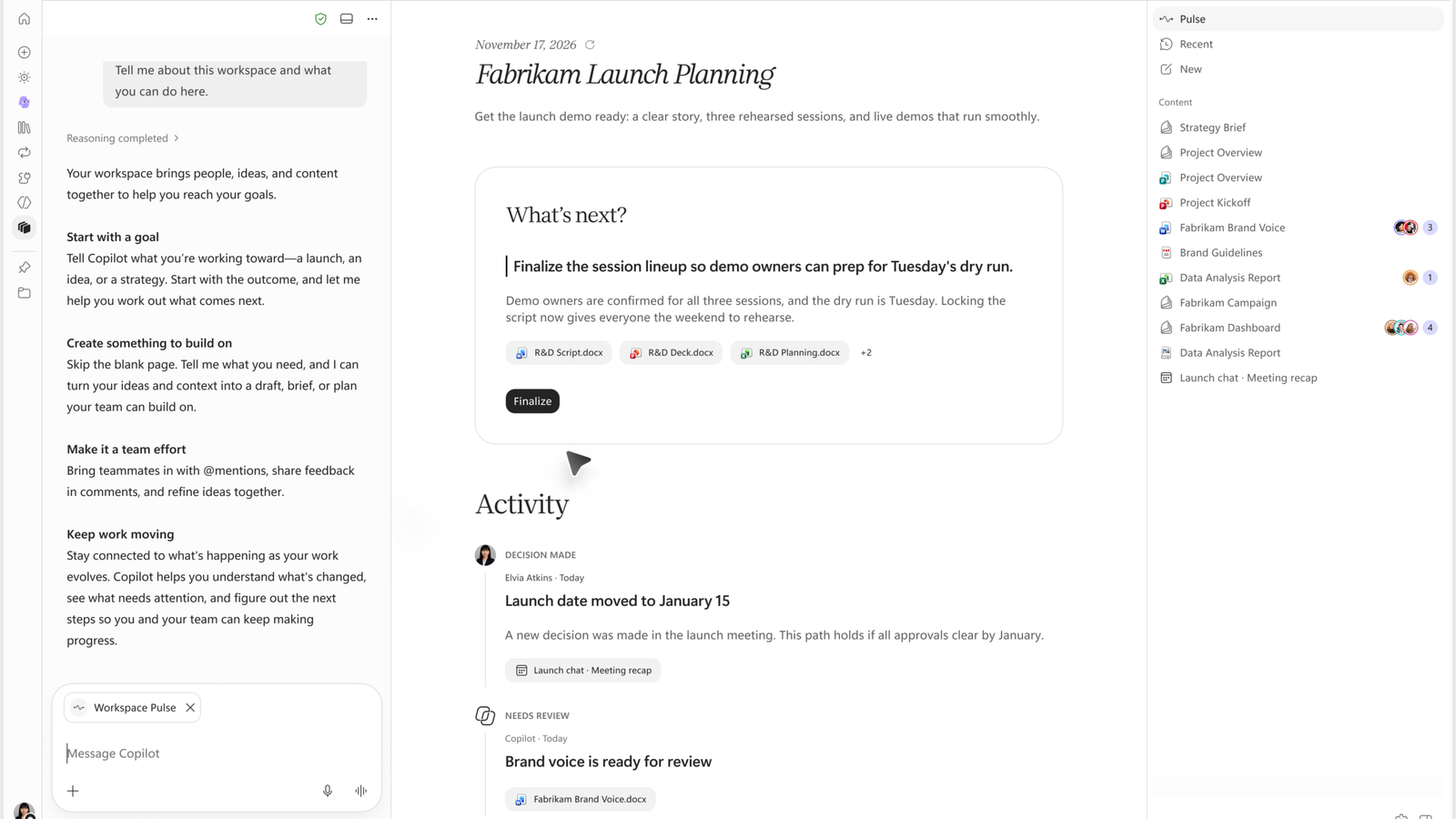
An agent drafts a section of a document. You review it.
You leave a comment. An agent picks it up and refines the work.
Your Autopilot takes a task inside the workspace. It checks with you before anything is final.
Meanwhile, your team collaborates across different documents at the same time. Live cursors show who is working on what.
Copilot connects the dots across the workspace. It shows what changed, what is still open, and which actions need your attention.
Nobody has to ask “where did we get to?” The workspace already knows.
3. What Happens to Your Copilot Notebooks?
Short answer: nothing bad.
Your existing notebooks automatically become workspaces. Everything you already added or created stays in them.
Everything you could do in Copilot Notebooks still works in Workspaces. The change is what sits on top: a team-first experience designed for collaboration.
Microsoft also suggests new workspaces based on your current workstreams. Starting a shared space takes seconds, not a migration project.
You can invite people when you create a workspace. Or later, with the Invite button in the top-right corner.
4. Where Does Workspaces Live?
Workspaces lives in the Copilot app, next to Home, Today, Autopilot and your projects.
The collaboration continues in Microsoft Teams. Work does not stop at the app boundary.
The fuller workspace experience will also roll out to OneNote over time.
One workstream, one shared context — wherever your team already works.
5. What Else Is New in Workspaces?
Workspaces has been building up through the Frontier programme since October. Three additions matter.
Office files inside the workspace.
Your team can create, edit and collaborate on Word, Excel and PowerPoint files directly within a workspace. No switching apps, no downloading copies.
Audio Overview.
The audio overview feature adds topic-based episodes, sensitivity label support and more supported content types. Your workstream can brief you while you commute.
More reference file types.
Workspaces now accepts more file types as references, including JPG, PNG, CSV and TSV files. The context you ground Copilot in gets wider.
And one more thing is coming. Soon, teams will be able to bring their Autopilots into Workspaces, so people and agents collaborate in one space.
Availability at a Glance
| Item | Status |
|---|---|
| Copilot Workspaces | Available in Frontier (Frontier Public) |
| Copilot Notebooks migration | Automatic — notebooks become workspaces, content stays |
| Office files inside a workspace | Rolled out to Frontier in October; worldwide rollout in January |
| OneNote workspace experience | Rolling out over time |
| Autopilots inside Workspaces | Coming soon |
| General availability date | Not announced |
Summary
Copilot started as a personal assistant. Workspaces makes it a team player.
The shift sounds small and is not. Shared context means the agent sees what the team sees. Comments become instructions. Drafts become shared work, not private chats.
Notebooks users lose nothing. Teams gain a place where people and agents build together.
The question for leaders is no longer “which AI should each person use?” It is “which workstreams deserve a workspace first?”
What Should You Do Next?
Check your notebooks.
They are becoming workspaces automatically. Tell your teams before they wonder what changed.
Pick one workstream and make it shared.
A launch, a review cycle, a programme. One ongoing goal with several people and lots of context. That is the perfect first workspace.
Teach the comment loop.
Review, comment, let the agent pick it up. It is a new habit, and it is where the time savings live.
Set sharing rules early.
A workspace is shared context. Agree what belongs in it, and who gets invited, before it fills up.
Watch the Autopilot integration.
Autopilots inside Workspaces is coming soon. That is when shared spaces gain an always-on teammate.
Official Resources
Copilot at Microsoft Ignite: Expanding what’s possible with intelligence built for work — Microsoft Copilot Blog, 17 November 2026
Copilot Notebooks is now Copilot Workspaces — Microsoft Support
Office at Ignite 2026: From apps to agentic system of work — Microsoft Tech Community
FAQs
What is Copilot Workspaces?
Workspaces is a shared place in the Copilot app where people and agents work towards a common goal with shared context. It is the evolution of Copilot Notebooks, and it is now available in Frontier.
Will my Copilot Notebooks be deleted?
No. Your existing notebooks automatically become workspaces, and everything you added or created stays in them. Everything you could do in Notebooks still works.
How do agents work inside a workspace?
An agent can draft a section of a document for your review. When you leave a comment, an agent picks it up and refines the work. Autopilot can take tasks in the workspace and checks with you before anything is final.
Where can I use Copilot Workspaces?
In the Copilot app today, with collaboration continuing in Microsoft Teams. The workspace experience will also roll out to OneNote over time.
When will Autopilots work inside Workspaces?
Microsoft says teams will soon be able to bring Autopilots into Workspaces. No date has been announced.
