



TL;DR
Autopilot is Microsoft’s always-on personal agent for Copilot. You give it a name and a goal. It then keeps work moving in the background, without waiting to be asked.
It has its own identity, memory and tools. It works across your email, meetings, chats and files, and shows up in Teams and Outlook like a colleague.
It started rolling out to Frontier customers at Ignite 2026. Pricing is usage-based, through Copilot Credits.
1. What Is Copilot Autopilot?
Most AI waits for a prompt. Autopilot does not.
Microsoft calls it your always-on personal agent. Think of it as a digital teammate that keeps work moving while you focus elsewhere.
It lives in your tenant. It has its own identity, memory and tools.
It learns your role, your priorities and how you work. Then it spots what needs attention, prepares what is next, and follows through.
It does all of that inside the guardrails you set. I am in San Francisco for Ignite this week, and Autopilot is the announcement everyone here is asking about.
2. What Can Autopilot Do?
Microsoft describes five things Autopilot does for you.
It takes on goals and outcomes.
Give it a goal, like keeping a launch on track. Hand off the prep, the coordination and the follow-through. You keep setting the direction.
It keeps you a step ahead.
Autopilot monitors relevant updates and tracks your open commitments. It prepares what you need before you have to ask.
It learns your way.
It learns your priorities, preferences and working style. It carries context across conversations, projects and routines, so its help gets more personal over time.
It works where you work.
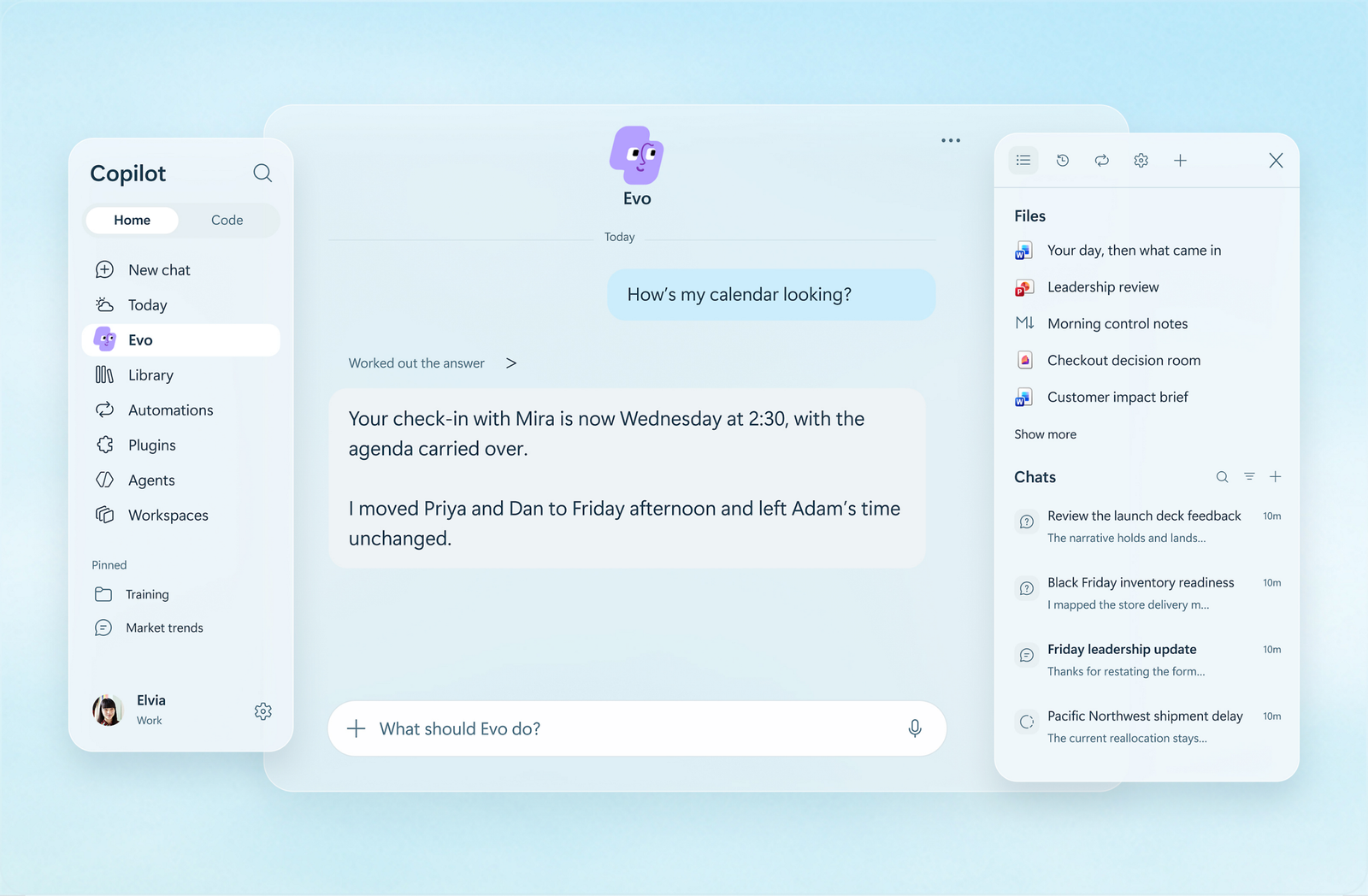
You configure Autopilot in the Copilot app. Then you collaborate with it in the app, and across Teams and Outlook.
It can run real projects.
Microsoft’s example from Ignite: Autopilot can run a full supplier review process on its own. The schedule, the workback plan, the prep, the meetings and the follow-ups.
3. Autopilot vs Chat vs Cowork: Which One Should You Use?
This is the question every Copilot user now has to answer. Microsoft’s own guidance is clear.
Use Copilot Chat for quick answers and drafts in the flow of work.
Use Cowork when you want a specific multi-step task done end to end. You ask, it delivers.
Use Autopilot for work that does not end with one task. Goals, decisions and commitments that play out over days and weeks.
Autopilot keeps going in the background without being asked. And it brings you decisions, not notifications.
| Tool | Best for | How it works |
|---|---|---|
| Copilot Chat | Quick answers and drafts | You ask, it answers |
| Copilot Cowork | One multi-step task, end to end | You delegate, it delivers |
| Autopilot | Ongoing goals over days and weeks | It works continuously and brings you decisions |
4. How Is Autopilot Governed?
Handing real work to an agent that acts on its own takes trust. Microsoft has built the controls around that.
Each Autopilot has its own Microsoft Entra Agent ID. It also has a named manager who is responsible for it.
IT can scope its access. IT can block it at any time.
Its sign-ins and actions are logged under its own name. Security teams get a clear audit trail.
Built-in access controls and approval guardrails protect your data. Runtime security and investigation tools keep consequential actions under human control.
Autopilot can check with you before key actions. You decide what work it takes on.
With Agent 365, organisations can see how Autopilot is used. They can manage and govern its access, assess risks, and measure business value.
5. How Do You Get Started with Autopilot?
Autopilot is rolling out through the Frontier programme. Your organisation needs three things: Microsoft Copilot, Agent 365, and a usage-based billing policy.
Admins enable Autopilot in the Microsoft 365 admin centre. Users then set it up in the Copilot app.
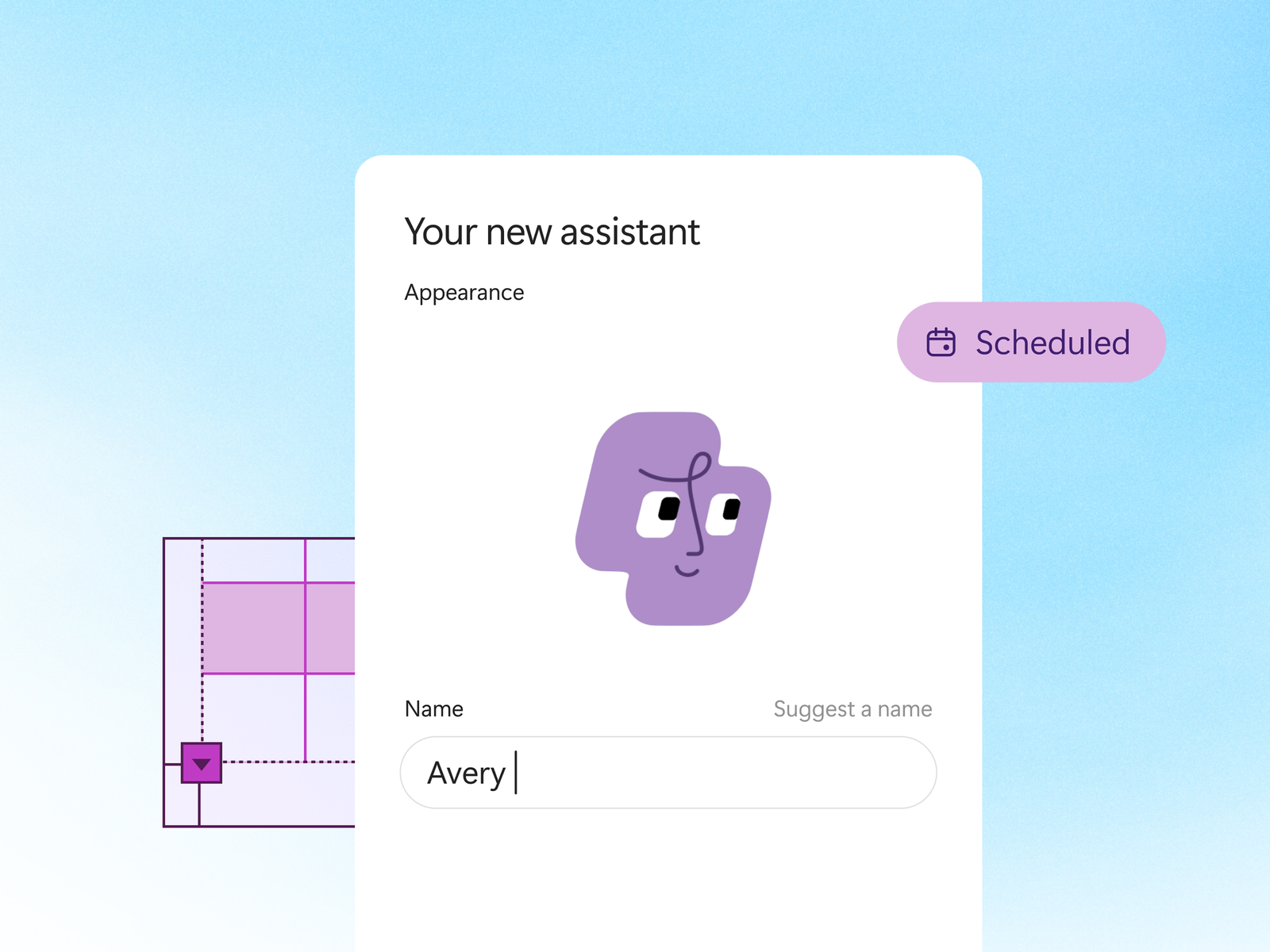
You give your Autopilot a name. You give it a goal.
Then it gets oriented. It reads the last 30 days of your email, meetings, chats and files — only the ones you already have access to.
During orientation it sends nothing and changes nothing. It just learns how you work.
From there, you work with it like a teammate. Message it. @mention it. Bring it into chats and meetings in Teams.
6. How Does Autopilot Pricing Work?
Autopilot is billed by usage, through Copilot Credits. The cost scales with the work your Autopilot takes on.
Admins can see usage. They can set budgets to keep spending in check.
Microsoft says final pricing and packaging will be shared before general availability.
For IT leaders, the message is simple. An always-on agent is a running cost, not a licence line. Budget for it like one.
Availability at a Glance
| Item | Status |
|---|---|
| Autopilot | Rolling out to Frontier customers (started at Ignite 2026) |
| Requirements | Frontier programme, Microsoft Copilot, Agent 365 and a usage-based billing policy |
| Setup | Admins enable it in the Microsoft 365 admin centre; users configure it in the Copilot app |
| Pricing | Usage-based, through Copilot Credits; final pricing and packaging before general availability |
| General availability date | Not announced |
Summary
Chat answers. Cowork delivers. Autopilot keeps going.
That is the shift Microsoft announced at Ignite 2026. The agent no longer waits at the side of your work. It has a name, a goal, an identity and a memory.
The governance is the real story. Entra Agent ID, a named manager, logged actions and Agent 365 oversight make an always-on agent something IT can actually approve.
The open questions are cost and control at scale. Both are now on your roadmap, whether you planned for them or not.
What Should You Do Next?
Decide if you are a Frontier candidate.
Autopilot is Frontier-only today. If you want early access, confirm your Copilot, Agent 365 and billing policy setup first.
Pick the right first goal.
Choose ongoing work with clear outcomes. A launch to keep on track. A review process that repeats. Not a one-off task — that is Cowork’s job.
Name the manager before you enable it.
Every Autopilot needs a named human owner. Agree who that is, and what they are accountable for.
Set the budget on day one.
Usage-based billing means an always-on agent spends while you sleep. Set budgets and alerts in Agent 365 before the first goal is assigned.
Agree the approval rules.
Decide which actions Autopilot can take alone, and which ones need a human check first. Write it down before rollout.
Official Resources
Microsoft Autopilot — Always-On Personal AI Agent for Work (Microsoft product page)
Copilot at Microsoft Ignite: Expanding what’s possible with intelligence built for work — Microsoft Copilot Blog, 17 November 2026
FAQs
What is Copilot Autopilot?
Autopilot is Microsoft’s always-on personal agent in Copilot. You give it a name and a goal, and it works in the background across your email, meetings, chats and files. It prepares what is next and follows through, within the guardrails you set.
How is Autopilot different from Copilot Cowork?
Cowork completes a specific multi-step task that you delegate, end to end. Autopilot is for work that does not end with one task: goals and commitments that play out over days and weeks. It keeps working without being asked and brings you decisions, not notifications.
How much does Autopilot cost?
Autopilot uses usage-based billing through Copilot Credits, so cost scales with the work it takes on. Admins can view usage and set budgets. Microsoft will share final pricing and packaging before general availability.
Who can get Autopilot today?
Autopilot is rolling out in the Frontier programme for customers with Microsoft Copilot, Agent 365 and a usage-based billing policy. Admins enable it in the Microsoft 365 admin centre.
Is Autopilot safe for IT to approve?
Each Autopilot has its own Entra Agent ID and a named manager. IT can scope its access and block it at any time, and its actions are logged under its own name. Agent 365 adds usage visibility, risk assessment and value measurement.
