



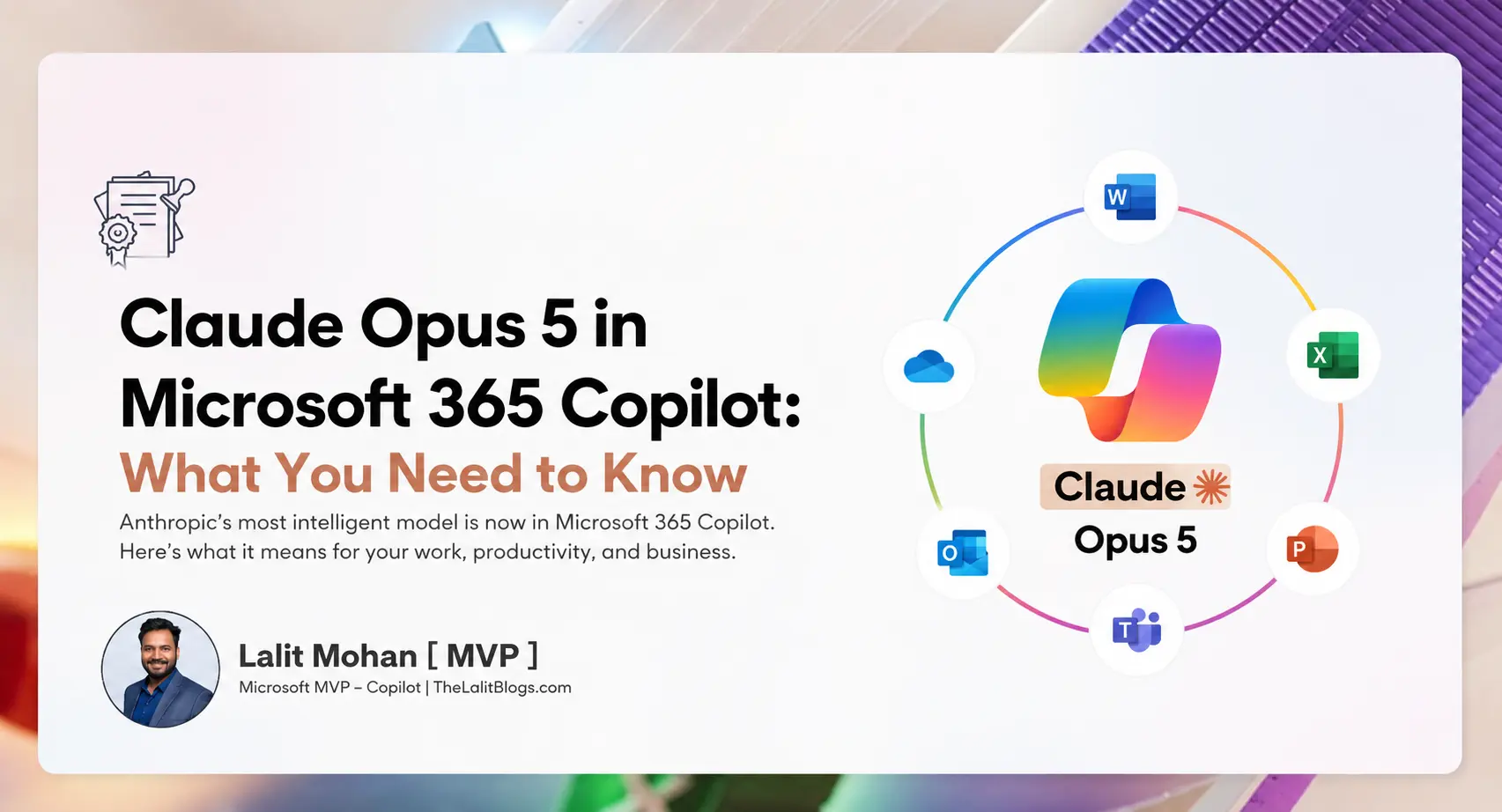
TL;DR: On July 24, 2026, Microsoft announced that Anthropic’s Claude Opus 5 is now available in the Microsoft 365 Copilot model selector. It rolls out across Word, Excel, PowerPoint, Copilot Chat, Copilot Cowork, and Copilot Studio. Claude Opus 5 is built for complex, multi-step knowledge work—and it’s available at no additional cost to eligible Microsoft 365 Copilot users.
Let’s be honest—most of us don’t think about which AI model is running behind the scenes. You open Copilot, type your question, and hope for a useful answer.
But that’s starting to change. Microsoft just gave you a new option: Claude Opus 5, the latest flagship model from Anthropic. And it’s not a minor update. This is a meaningful shift in how Microsoft 365 Copilot works—and what it can do for you.
Here’s everything you need to know.
Official Link: Anthropic Claude Opus 5 in Microsoft
What Is Claude Opus 5?
Claude Opus 5 is a frontier AI model built by Anthropic, an AI safety company. It’s the newest and most capable model in Anthropic’s Opus family—the model line designed for demanding, high-stakes work.
Anthropic describes Claude Opus 5 as a step-change improvement over its predecessor, Claude Opus 4.8. That’s not marketing language. The gains are real and specific.
What makes Claude Opus 5 different from Claude Opus 4.8?
Claude Opus 5 delivers major improvements in several areas:
- Deep reasoning — it can sustain complex, multi-step analysis across long problem chains without losing the thread
- Agentic coding and long-horizon tasks — it completes extended work across multiple files and tools without leaving stubs or placeholders
- Self-verification — it checks its own work before responding, so you get fewer confident but wrong answers
- Long-context work — it supports a 1 million token context window, meaning it can process and reason across enormous amounts of information
- Office and document tasks — stronger at building complex spreadsheets, slide decks, and structured documents
- Vision — better at understanding charts, diagrams, and UI visuals
One thing worth noting: Claude Opus 5 is also priced the same as Claude Opus 4.8 via the API ($5 per million input tokens, $25 per million output tokens). Microsoft 365 Copilot users get it at no additional license cost.
What Does Claude Opus 5 in Microsoft 365 Copilot Actually Mean?
This is the question that matters most for business users.
Previously, Copilot ran on a fixed model. You didn’t choose. You got whatever Microsoft provided.
Now, the experience looks more like this:
Before: You → Copilot → One model
Now: You → Copilot → Model selector → Best model for your task
That’s a real change. Claude Opus 5 is available in the model selector dropdown across:
- Word — move from a rough idea to a complete, structured draft
- Excel — run complex analysis with higher-quality modeling
- PowerPoint — build presentation drafts from outline to polished deck
- Copilot Chat — tackle open-ended problems with stronger reasoning
- Copilot Cowork — stay on task across long-running, multi-tool projects
- Copilot Studio — build agents for advanced reasoning and workflow automation
It’s opt-in. You have to select it from the dropdown. It won’t switch on automatically. But once you know it’s there, you can reach for it whenever the work gets complex.
Why Is Microsoft Adding Claude Opus 5 to Copilot?
The short answer: model choice matters.
No single AI model is the best at everything. Different models perform differently depending on the task—reasoning, writing, coding, analysis, long-context work. By adding Claude Opus 5 alongside its existing model options, Microsoft gives you more flexibility to match the model to the job.
This is also a strategic signal. Microsoft is positioning Copilot as a multi-model platform—a single enterprise interface where multiple AI models can operate. Claude Opus 5 arrived roughly two months after Claude Opus 4.8. That pace of change isn’t slowing down.
The bigger story here isn’t Claude Opus 5 specifically. It’s that Microsoft is turning Copilot into the enterprise layer through which multiple frontier models reach your workflow—while you stay inside the apps and security controls you already have.
Claude Opus 5 vs. Other Copilot Models: Which Should You Use?
There’s no universal answer. The better question is: what are you trying to do?
| Task | Best model fit |
|---|---|
| Simple, quick questions | Faster, lighter models |
| Complex research and analysis | Claude Opus 5 |
| Multi-step coding or technical work | Claude Opus 5 |
| Long documents with structure | Claude Opus 5 |
| Routine drafting | Any available model |
| Ambiguous, open-ended problems | Claude Opus 5 |
Think of Claude Opus 5 as the model you reach for when the work is hard. When you’d normally pause and think, or hand the problem to a senior colleague—that’s when Claude Opus 5 earns its keep.
For quick and simple tasks, you won’t notice much difference. Claude Opus 5 is built for depth, not speed.
Top Use Cases for Claude Opus 5 in Microsoft 365 Copilot
I work with these tools every day, and here’s where Claude Opus 5 is going to make the biggest difference for most business users.
Complex business research and analysis
Give Claude Opus 5 a large set of documents, data, or reports and ask it to synthesize what matters. It’s built to hold context across long inputs without losing accuracy.
Example prompt: “Review this project brief and the last three quarterly reports. Identify the three biggest risks, the supporting evidence for each, and your recommended actions.”
Executive briefings and strategy documents
Need to turn messy inputs into a clean, structured output? Claude Opus 5 handles longer documents with better flow and structure than lighter models. Less cleanup work for you.
Technical and coding work
Claude Opus 5 excels at reviewing code, spotting real bugs, writing documentation, and working through complex technical reasoning—especially when the task spans multiple files or systems.
Document comparison and review
Comparing contracts, proposals, or policy documents? Claude Opus 5 can extract key differences, flag inconsistencies, and generate structured recommendations across long, complex materials.
Project planning and risk analysis
Give it your project context and ask it to identify risks, generate action items, or stress-test your assumptions. It stays on track across multi-step reasoning tasks in a way that lighter models often don’t.
What Does This Mean for Microsoft 365 Administrators?
Model choice increases your governance responsibilities. Here’s what to get ahead of:
What admins should define now
- Access: Claude Opus 5 availability may vary by region and tenant configuration. Check the Microsoft 365 Roadmap for rollout status in your tenant.
- Approved use cases: Which tasks are appropriate for AI assistance? Which aren’t? Document this clearly.
- Data handling: Claude Opus 5 in Copilot operates within Microsoft’s enterprise-grade security, privacy, and compliance envelope. Your organizational data stays governed by your existing Microsoft controls.
- Adoption tracking: Monitor which teams are using the model selector, and which workflows are generating measurable value.
The good news: Claude Opus 5 doesn’t bypass your existing controls. It operates inside the same security envelope as the rest of Copilot. Access is opt-in and governed by admins—not something that simply appears for every user.
Does Claude Opus 5 Replace Microsoft Copilot?
No. This is worth saying clearly.
Claude Opus 5 is an AI model—the intelligence behind the responses.
Microsoft 365 Copilot is the enterprise platform—the interface, the integrations, the security layer, the connection to your organizational data.
Claude Opus 5 runs inside Copilot. It doesn’t replace it. Think of it as a more powerful engine option inside the same vehicle.
What Businesses Should Do Before Using Claude Opus 5
A model upgrade doesn’t automatically change how people work. Here’s a practical framework for getting value from it.
Step 1: Identify high-value workflows
Find the repetitive, time-consuming knowledge tasks in your organization—the ones that slow people down.
Step 2: Define approved use cases
Create clear guidelines. Tell employees which tasks are appropriate for AI assistance and which require human judgment.
Step 3: Test Claude Opus 5 against your actual work
Don’t evaluate it on generic prompts. Test it on the specific tasks that matter to your team. Then compare results.
Step 4: Measure outcomes
Track time saved, quality improvements, and task completion rates. “How many people tried it” tells you almost nothing. The number that justifies investment is whether the distance from rough idea to finished output actually got shorter.
Step 5: Train employees
Focus on model selection—when to use Claude Opus 5 versus faster, lighter options. Teach people how to verify outputs, not just accept them.
Step 6: Establish governance
Cover AI access, data handling, approved use cases, and human oversight. These aren’t blockers—they’re what makes adoption trustworthy.
What the Future of Microsoft 365 Copilot Looks Like
Three trends are reshaping how Copilot works—and Claude Opus 5 sits at the center of all three.
1. Multi-model AI becomes standard
Organizations will increasingly choose between models based on task type. Model selection is becoming a workplace skill—like knowing which app to open.
2. Agentic AI takes over multi-step work
Claude Opus 5 is built for agentic tasks—work that spans multiple steps, tools, and files without constant human intervention. This is where AI is heading.
3. Copilot becomes the enterprise AI platform
Not just a feature inside Office apps. A unified interface through which multiple frontier AI models operate—governed, secure, and connected to your organizational data.
The frontier will keep moving. Claude Opus 5 arrived roughly two months after Opus 4.8. The organizations that benefit most won’t be the ones with the newest model in the dropdown. They’ll be the ones that have built the habits, training, and governance to put each new model to work the day it arrives.
Frequently Asked Questions
Is Claude Opus 5 available in Microsoft 365 Copilot right now?
Claude Opus 5 began rolling out to the Microsoft 365 Copilot model selector on July 24, 2026. Availability depends on your region and tenant configuration. Check the Microsoft 365 Roadmap and Copilot release notes for the latest status in your organization.
What is Claude Opus 5 built for?
Claude Opus 5 is Anthropic’s latest frontier AI model, designed for complex, multi-step knowledge work. Its strongest areas include deep reasoning, agentic coding, long-context analysis, self-verification, and document and office tasks.
How do I access Claude Opus 5 inside Microsoft 365 Copilot?
Open Copilot Chat, Word, Excel, PowerPoint, Copilot Cowork, or Copilot Studio and look for the model selector dropdown. Select Claude Opus 5 from the menu. It won’t activate automatically—you choose it.
Is Claude Opus 5 better than GPT models available in Copilot?
Performance depends on the task. Claude Opus 5 excels at deep reasoning, complex analysis, long-context work, and self-verification. No single model wins universally. The better question is: which model performs best on your specific workflow? Test both before deciding.
Why did Microsoft add Claude Opus 5 to Copilot?
Microsoft is building Copilot into a multi-model AI platform, giving organizations access to multiple frontier models inside the tools they already use. Adding Claude Opus 5 expands model choice and gives users a stronger option for complex, high-stakes knowledge work.
Does Claude Opus 5 cost extra for Microsoft 365 Copilot users?
No. Claude Opus 5 is available within your existing Microsoft 365 Copilot license at no additional cost.
Is Claude Opus 5 safe for enterprise use inside Copilot?
Claude Opus 5 in Microsoft 365 Copilot operates within Microsoft’s enterprise-grade security, privacy, and compliance envelope. Access is governed by administrators, and the model draws on your organizational data through Microsoft’s existing controls—not the open web. Standard AI governance practices still apply.
Should my business switch to Claude Opus 5 for all Copilot tasks?
No. Claude Opus 5 is best suited for complex, demanding tasks. For simple, quick questions, faster lightweight models may perform just as well with lower latency. Evaluate Claude Opus 5 against your specific workflows and measure the outcomes.
Key Takeaways
- Claude Opus 5 is now available in the Microsoft 365 Copilot model selector as of July 24, 2026.
- It works across Word, Excel, PowerPoint, Copilot Chat, Copilot Cowork, and Copilot Studio.
- Claude Opus 5 is built for complex reasoning, coding, long-context analysis, and multi-step work.
- It costs nothing extra for eligible Microsoft 365 Copilot users.
- You must select it manually from the model dropdown—it doesn’t activate automatically.
- No single model is best at everything. Match the model to the task.
- The bigger trend is Microsoft positioning Copilot as a multi-model enterprise AI platform.
- Real ROI comes from redesigning workflows—not just asking a better AI more questions.
The Real Question Isn’t Which Model to Use
It’s whether your organization is building the habits to use any of them well.
Claude Opus 5 in Microsoft 365 Copilot is a genuine capability upgrade. It’s stronger at reasoning, better at complex tasks, and more reliable at checking its own work. For demanding knowledge work, that matters.
But capability alone doesn’t change how people work on a Monday morning. That part takes training, governance, and a clear view of which workflows actually benefit from advanced AI assistance.
Start there. Identify the hard tasks. Test Claude Opus 5 against them. Measure what changes.
The model is ready. The real question is whether your organization is.
