



TL;DR: October 2026 is one of the most transformative updates yet for Microsoft 365 Copilot. Microsoft has introduced the completely redesigned Home interface blending Chat and Cowork, private preview access to persistent Autopilot agents, team-wide Workspaces, and role-specific skills across Excel, PowerPoint, and Word.
If you have been using Microsoft 365 Copilot over the past year, October marks the moment where Copilot clearly transitions from being an assistant in a side pane to an autonomous work operating system.
Between the preparation for Microsoft Ignite and the arrival of Copilot Credits usage-based billing, this release changes how both end users navigate tasks and how IT administrators govern access.
Here is a practical, tested breakdown of everything new in Microsoft 365 Copilot for October 2026.
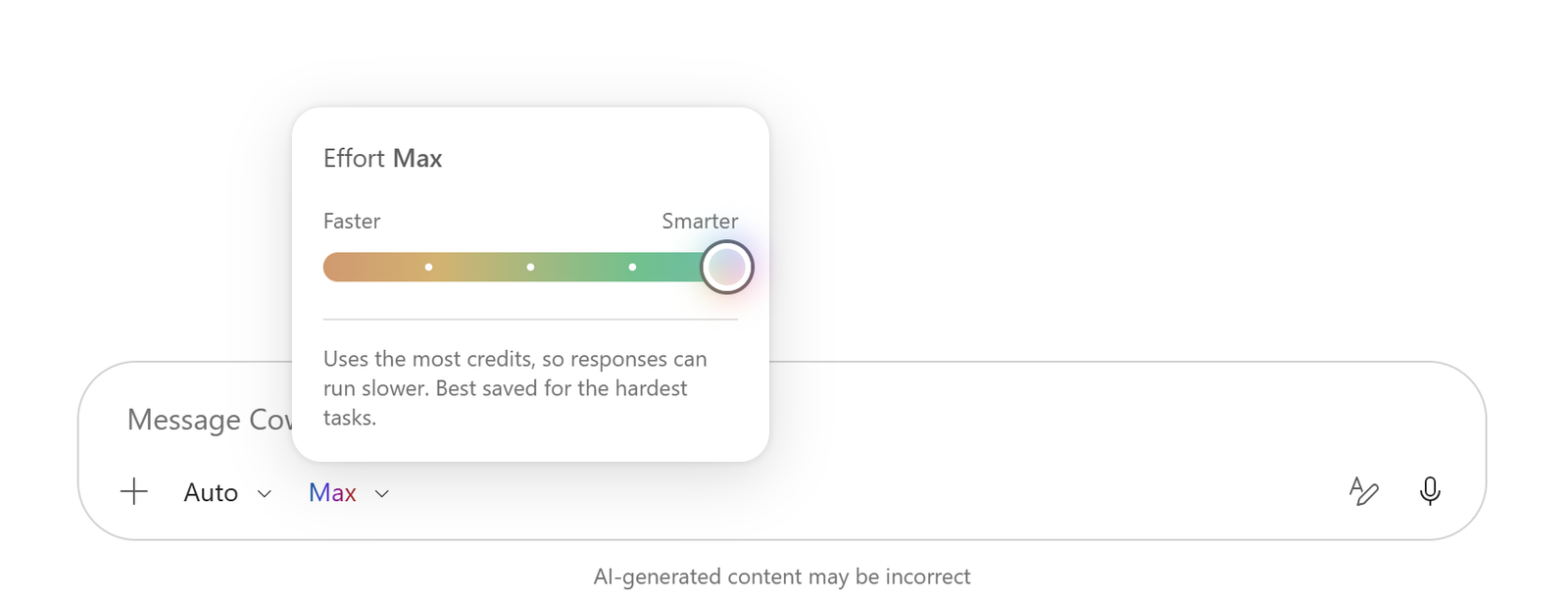
What is the “New Copilot” Home Experience?
How has the interface changed?
Until recently, interacting with Copilot meant opening a dedicated sidebar in individual apps or chatting via copilot.microsoft.com.
The October update reorganizes this into a single, cohesive command center:
- Unified Home: Your primary dashboard that highlights active multi-day objectives, scheduled agents, and upcoming meetings needing preparation.
- Chat vs. Cowork: You can now toggle explicitly between rapid conversational answers (Chat) and complex, multi-step asynchronous task delegation (Cowork).
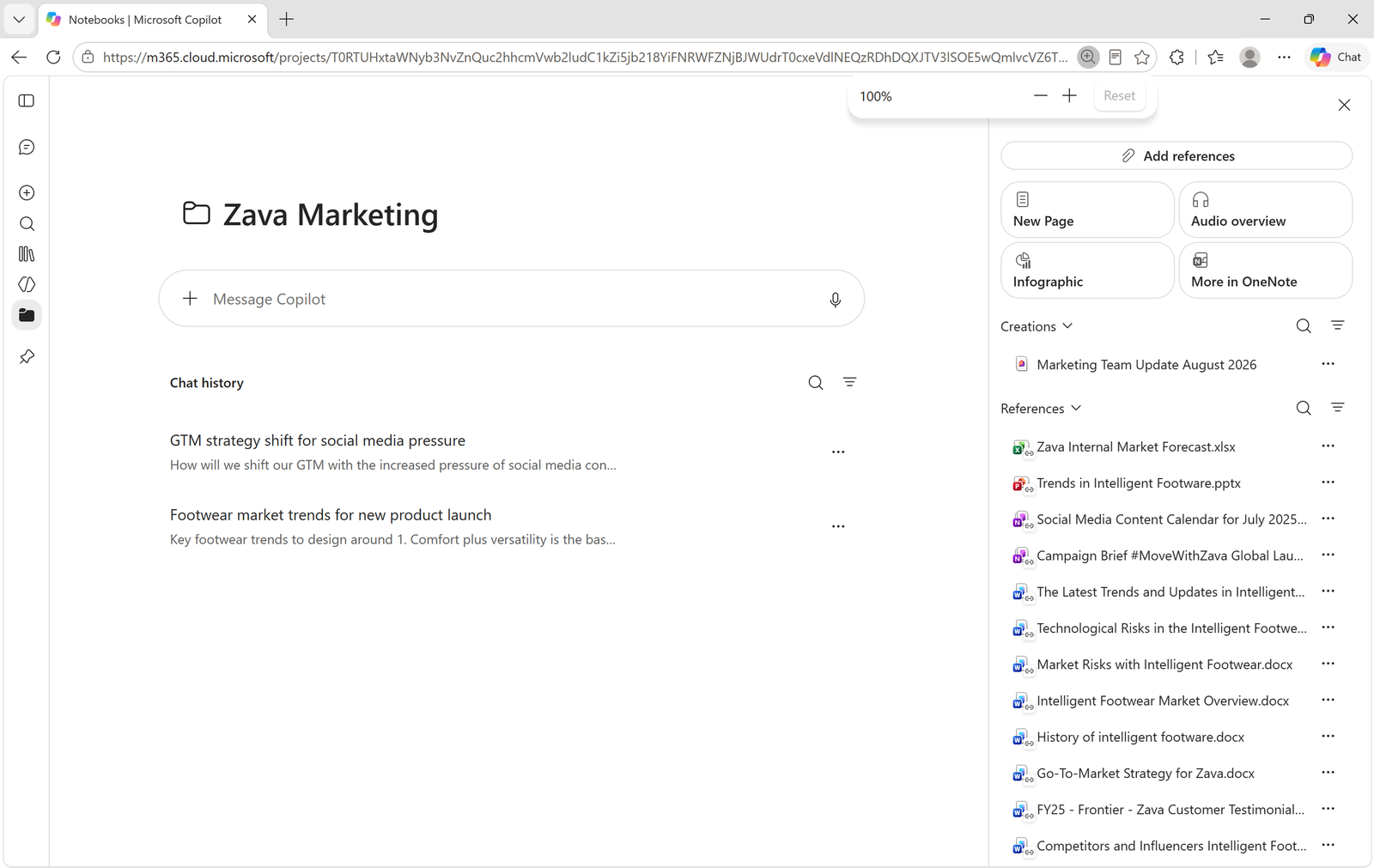
- Projects & Workspaces: Instead of transient chat threads that disappear into history, Workspaces keep prompts, grounded files, agent instructions, and teammates aligned in one persistent space.
In practical testing, Workspaces solves the biggest frustration consultants and teams faced: having to restate business context and re-upload files every time you started a new session with Copilot.
What is Copilot Autopilot?
How does an Autopilot agent work?
In September, Microsoft teased the concept of background task execution. In October, Autopilot entered private preview for enterprise organizations.
Unlike standard Copilot, which waits for you to type a prompt, Autopilot is persistent:
- You assign it a recurring or event-driven objective (for example: “Monitor the vendor bids folder and flag contracts missing security compliance clauses”).
- Autopilot executes tasks continuously in the background, even when your laptop is closed.
- When it encounters ambiguous decisions or needs sign-off, it pauses and routes a card to you in Microsoft Teams or Outlook with explicit approval options.
This moves Copilot from a tool you talk with while sitting at your desk into an autonomous worker that prepares deliverables before your workday begins.
What New Skills Arrived in Office Apps?
Microsoft added dedicated domain skills across the core Microsoft 365 productivity suite this month:
| App | New Feature / Skill | Practical Impact |
|---|---|---|
| Excel | Accounting & Clean Data Skills | Reconciles ledger variances and strips out formatting anomalies with single natural language commands. |
| PowerPoint | Brand Kit & Narrative Canvas | Enforces corporate fonts, palette rules, and layouts automatically across generated presentations. |
| Word | Legal Suite Integration | Over 20 specialized legal inspection tools to review terms, cross-references, and contract clauses. |
| SharePoint | Enterprise Knowledge Grounding (GA) | General Availability for scoping agents directly against specific document libraries and curated site collections. |
| OneDrive | Prompt Gallery | Pre-built prompts directly in OneDrive to compare versions, summarize folders, and extract tabular data. |
How do the new Excel skills perform?
In my hands-on testing with the new Excel Clean Data skill, tasks that previously required writing complex Power Query formulas or nested REGEX functions now run natively.
Asking Copilot to “Identify duplicate invoice IDs, reconcile payment dates, and standardize country abbreviations” executed cleanly across 5,000 rows in under 20 seconds.
What is the New Learning Agent?
How does the Learning Agent work?
Tracked under Microsoft Roadmap ID 490154, the Learning Agent is rolling out to embed continuous upskilling directly into daily workflows.
Rather than sending employees to an external learning management portal:
- The Learning Agent analyzes your daily work patterns, role, and the Microsoft 365 features you use least effectively.
- It surfaces 2-to-3-minute microlearning prompts directly inside Copilot Chat or Teams.
- It can simulate interactive scenario role-playing (for example, practicing a client negotiation or reviewing compliance protocols) grounded in your company’s own guidelines stored in SharePoint.
For HR leaders and IT adoption leads, this provides a continuous, automated training mechanism without holding lengthy webinar sessions.
What IT Administrators Must Know: Copilot Credits & FinOps
Why did billing change in October?
The biggest backend milestone of October 2026 was the rollout of Copilot Credits and usage-based billing:
- Everyday AI (Word drafting, routine meeting recaps, basic chat) remains covered by your fixed per-user monthly subscription license.
- Advanced AI (Frontier reasoning models like GPT-6.1 Sol and Claude Sonnet 5.5, extended Cowork tasks, and autonomous agent runs) now consumes usage-based Copilot Credits.
For new direct purchases, this system transitioned to a default-on model on October 19, 2026.
If you are an IT administrator, you must open the Microsoft 365 Admin Center → Billing → Cost Management and create spending policies with group-level credit limits. Without defined spending caps, users may hit unexpected boundaries or run into restricted frontier features.
October 2026 Updates — At a Glance
| Area | Feature | Status |
|---|---|---|
| User Experience | Redesigned Home, Workspaces, and Projects | Rolling out |
| Agentic AI | Copilot Autopilot (persistent background agents) | Private Preview |
| Upskilling | Built-in Learning Agent (Roadmap ID 490154) | Rolling out |
| Excel | Accounting and Clean Data analytical skills | General Availability |
| Word | Document-specific layouts and Legal tools | General Availability |
| Administration | Copilot Credits & FinOps spending policies | Default-on for new direct licenses |
What Should You Do Next?
To take advantage of the October updates:
- Test the Workspaces feature: Open the Copilot app and create a dedicated Workspace for an upcoming client project or internal sprint. Add the relevant documents and note how much faster Copilot responds when context is already established.
- Review your Admin Center FinOps dashboard: Ensure your organization has configured spending limits and automated alerts for Copilot Credits before frontier workloads ramp up ahead of Microsoft Ignite.
- Try the Clean Data skill in Excel: Pick a raw, unformatted report and ask Copilot to sanitize the headers, formats, and duplicates to test the speed improvements firsthand.
Related Microsoft 365 & Copilot Architecture Guides
- September 2026 Copilot updates – In-depth architectural analysis and deployment patterns.
- autonomous agents in Copilot Studio – In-depth architectural analysis and deployment patterns.
- Copilot credit usage-based billing – In-depth architectural analysis and deployment patterns.
Official Microsoft Documentation & Administrative Resources
- Microsoft 365 Copilot Documentation – Official Microsoft documentation and service administration.
- Microsoft 365 Admin Center – Official Microsoft documentation and service administration.
- Microsoft Tech Community Copilot Blog – Official Microsoft documentation and service administration.
Frequently Asked Questions
Does the new Home screen replace individual Copilot panes in Office apps?
No. The side panes in Word, Excel, PowerPoint, and Teams remain in place for in-document work. The new Home screen serves as the centralized desktop and browser hub for broader, cross-application tasks and project orchestration.
Are Copilot Credits charged for standard everyday prompts?
No. Standard day-to-day chat, email drafting in Outlook, document summarization, and standard meeting recaps in Teams remain entirely covered under your flat monthly seat license.
How do I get access to Copilot Autopilot?
Autopilot is currently in private enterprise preview. Administrators can register interest through the Microsoft 365 Admin Center under the preview programs tab. Broader availability details are expected during Microsoft Ignite in November.
Can external guests join a shared Copilot Workspace?
Currently, Workspaces are limited to internal tenant members and licensed Copilot users. External collaboration features are planned on the Microsoft 365 roadmap for early 2027.
Where do I configure the new Learning Agent?
IT and L&D administrators can manage Learning Agent visibility and connect enterprise learning sources via the Microsoft 365 Admin Center under Org Settings → Copilot.
